
🚀 Use Git Like a Pro (Without Memorizing Commands)
Most developers know basic Git commands like git status and git commit, but becoming truly productive with Git requires more than memorization. It's about mastering workflows, setting up the right tools, and learning how to make Git work for you — not the other way around.

🔧 Aliases to Save Time
Instead of typing long Git commands repeatedly, create aliases that save keystrokes and reduce friction. You can add these shortcuts directly to your ~/.gitconfig file:
[alias]
  st = status
  cm = commit -m
  co = checkout
  br = branch
  lg = log --oneline --graph --decorate --all
After adding these, you'll be able to use commands like:
git st       # instead of git status
git cm "feat: add login flow"
git lg       # clean and visual history
🧩 Tools I Use
Instead of memorizing Git's 100+ commands, I use visual tools and CLIs that abstract away the complexity and help me work faster and safer.
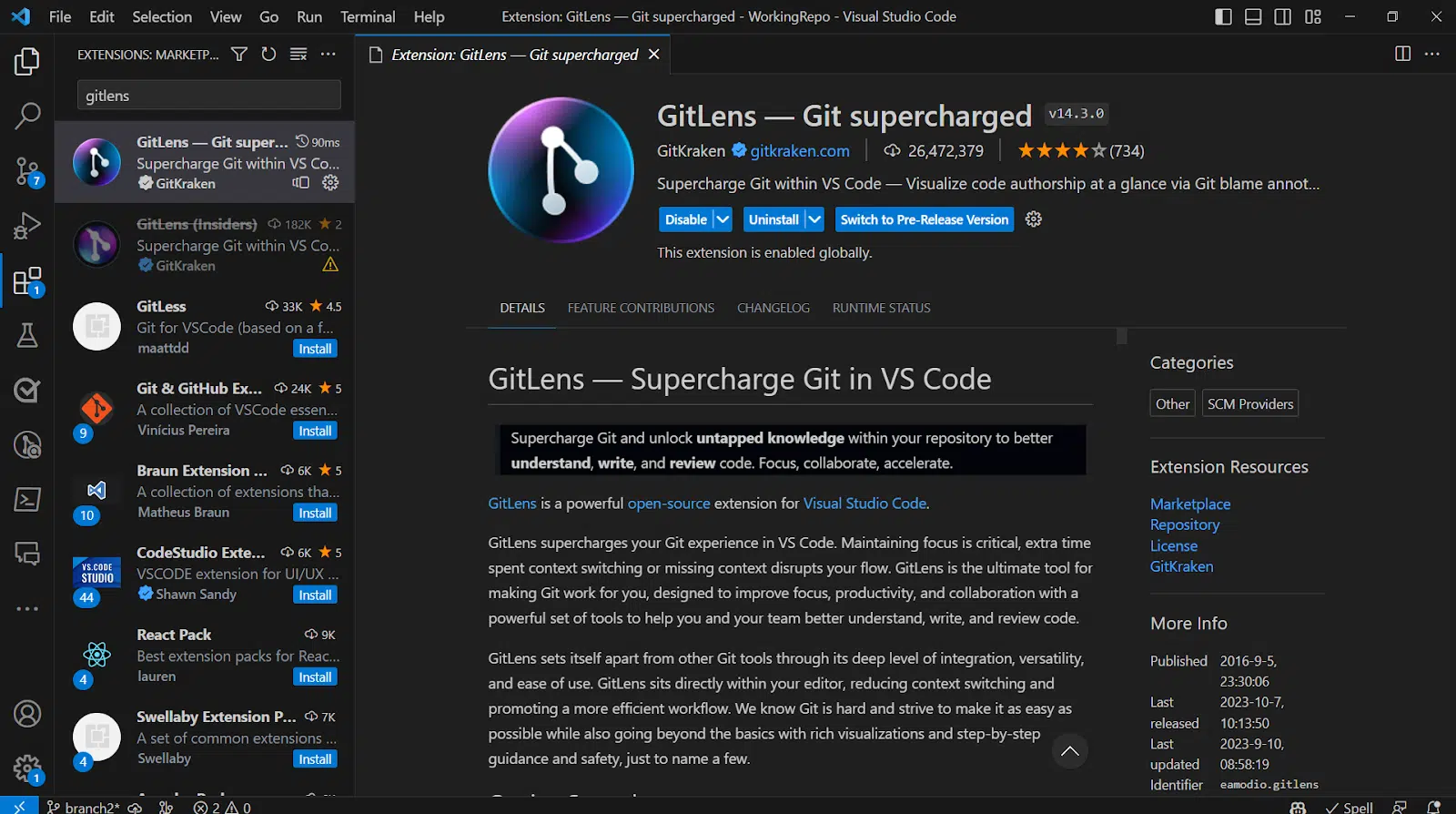
- 🧠 GitLens (VS Code) — shows commit history, line blame, author info, and file change annotations inline.
- ⚙️ GitHub CLI — makes it easy to create, review, and merge pull requests directly from your terminal.
- 🛡️ Husky — ensures you never push broken code with Git hooks like
pre-commitandpre-push.
📌 Pro Tip: Signed Commits
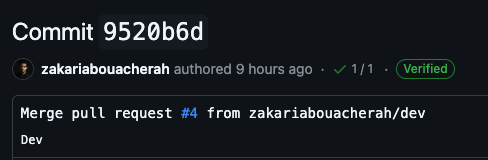
Want to add credibility and security to your commits? Use signed commits with your GPG key:
git commit -S -m "chore: update readme"Once configured, every commit will be verified by GitHub or other platforms, helping teams ensure the commit really came from you.
📚 Bonus: No More Merge Panic
Don’t be afraid of merge conflicts. Use a visual merge tool like VS Code or Meld:
git mergetoolOr configure Git to use your preferred tool:
git config --global merge.tool vscode🧠 Learn the Flow, Not Just the Syntax
The real secret to mastering Git isn't memorizing commands — it's understanding the *concepts*:
- 💡 Commits are snapshots
- 🧱 Branches are just pointers
- 🎯 Rebasing is rewriting history (great for clean PRs)
- 📦 Tags are for marking versions/releases
🚦 Final Thoughts
You don’t need to memorize Git to use it like a pro. Create aliases, use the right tools, and most importantly — understand what Git is doing under the hood. That way, even if you forget the exact command, you'll always know where you are and what to do next.
Remember: Git isn't a chore. It's your safety net, time machine, and collaboration engine all in one. Use it with confidence.